A customer has agreed to the work, the job is complete, and now the invoice needs to do its part. Custom invoice printing for businesses turns a routine billing document into a clear, professional record that supports faster payment and reinforces the way your company operates.
For a contractor, retailer, repair shop, property manager, or local service business, invoices are handled every day. They travel with deliveries, sit on office counters, go into customer files, and often become the document a customer refers to when they have a question. A poorly designed form creates unnecessary back-and-forth. A well-printed invoice makes the next step obvious.
Why Printed Invoices Still Matter
Digital billing has a place, especially for customers who prefer email records and online payment. But physical invoices remain useful for businesses that take payment in person, deliver products, perform work on-site, or need a signed copy for their records. They are also practical when field staff need to leave a detailed bill at a customer location without relying on a phone signal, printer, or app.
A printed invoice gives customers something tangible to review. It can show the work performed, parts used, payment terms, due date, contact information, and accepted payment methods in one place. When those details are easy to find, your staff spends less time answering avoidable questions.
The document also represents your business after your team has left. Clean layout, readable type, consistent color, and a properly placed logo communicate care. That matters when you are asking for payment, but it also matters when you want customers to remember who handled the job.
What Custom Invoice Printing Should Include
The right invoice form depends on how your business bills customers. A home-services company may need room for labor, materials, technician notes, and a customer signature. A wholesale supplier may need product codes, quantities, pricing, delivery details, and purchase-order numbers. A simple retail or professional-services invoice may need fewer fields but still benefit from a polished branded format.
Start with the information your staff writes or enters most often. Your company name, logo, phone number, email address, website, and business address should be clear without overwhelming the page. Leave enough room for invoice numbers, dates, customer information, line items, taxes, totals, deposits, and payment terms.
Payment instructions deserve special attention. If payment is due upon receipt, say so clearly. If you offer net terms, show the due date or number of days plainly. If checks should be made payable to a particular name or payments can be made by card, include those instructions where customers will see them. The goal is not to fill every open space. It is to make the form useful at the moment it is needed.
Choose the Right Form Style
Single-sheet invoices work well when you create a record in software and need a professional printed page for customers or files. They can be produced in standard sizes or adjusted to fit folders, binders, and existing office systems.
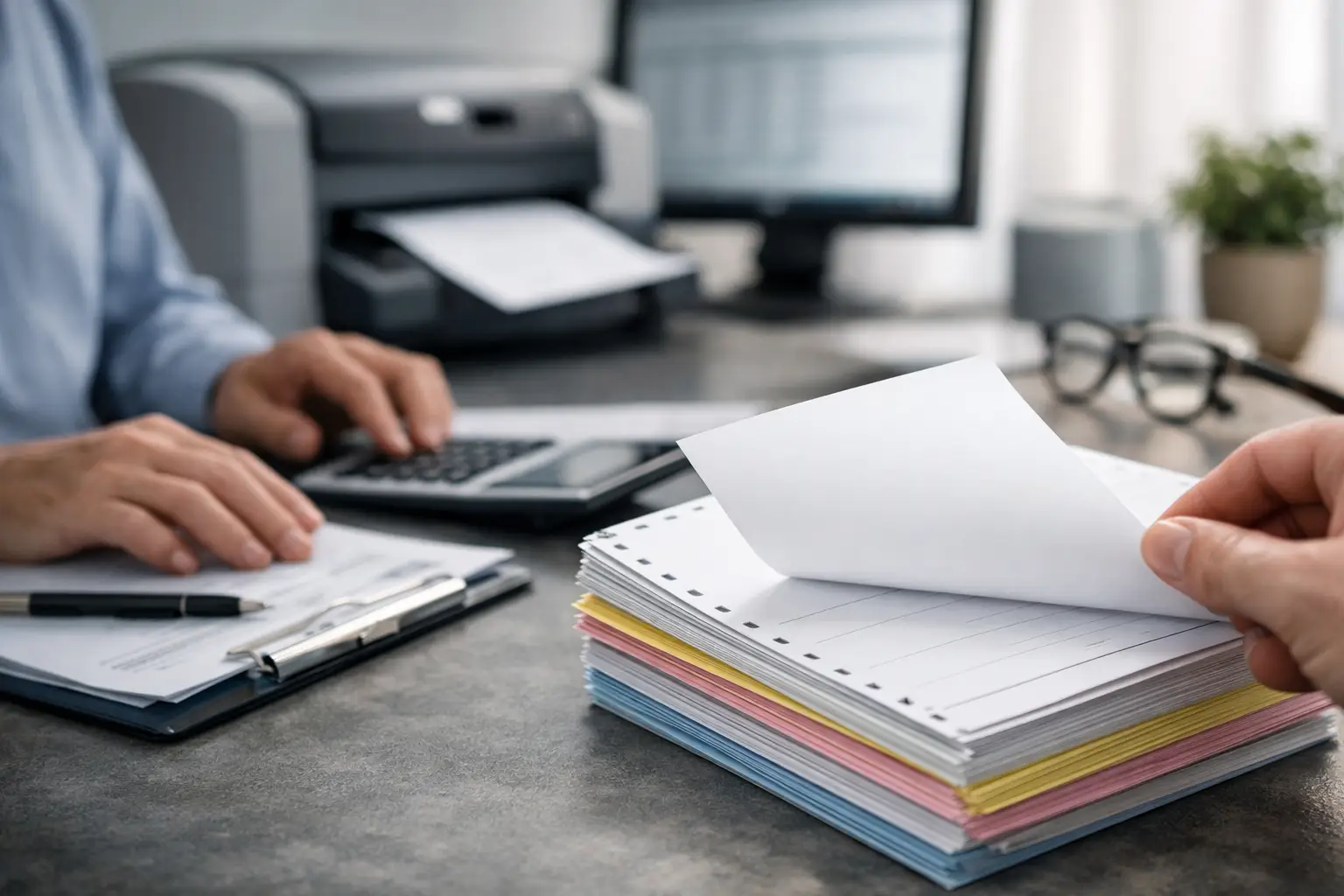
Carbonless multi-part forms are often the better choice for businesses that write invoices by hand or need copies immediately. A two-part form can provide one copy for the customer and one for your office. Three-part forms are useful when a technician, warehouse team, or accounting department also needs a copy. Color-coded copies make it easier to see which page belongs where.
Numbered invoices add control to recurring paperwork. Sequential numbers help track issued forms, match payments to records, and spot missing paperwork. If multiple employees use invoice books, numbering can also help management understand which forms were assigned and when they were used.
Design for the People Using the Form
An invoice can look attractive and still be frustrating to complete. The strongest designs balance brand presentation with daily usability. Small type, cramped line-item areas, and decorative graphics placed near important fields can slow down staff and confuse customers.
Think through the writing conditions. Will invoices be completed at a desk, in a truck, at a job site, or at a busy sales counter? If handwriting is involved, use adequate spacing and visible lines. If staff members frequently add notes, include a notes area rather than having them write in margins. If signatures are required, make the signature field easy to locate.
Color should support the form, not compete with it. A logo or header in your brand colors can make the invoice look established and recognizable. For multi-part forms, copy colors can separate office, customer, and accounting records. At the same time, important text must remain readable when copied, scanned, or faxed. A print professional can help determine whether a full-color design, one-color form, or a combination of both makes the most practical sense for your workflow and budget.
Custom Invoice Printing for Businesses With Recurring Needs
Businesses that invoice regularly should plan beyond the first print run. Ordering too few forms can lead to rushed reorders, inconsistent substitutes, or staff creating temporary documents that do not match your standard process. Ordering far too many can be wasteful if your pricing, address, tax details, or payment policy may change soon.
The best quantity depends on how often you bill, how many copies each transaction requires, how much storage space you have, and whether the form contains information likely to change. A company with steady monthly volume may benefit from a larger run that reduces the cost per form. A newer business, or one updating its branding and billing procedures, may prefer a smaller quantity until the layout is proven in real use.
Before approving the order, review a proof carefully. Check spelling, phone numbers, addresses, tax wording, terms, numbering sequence, and all fill-in fields. Have the employees who use the form every day look at it as well. They may catch practical issues that are easy to miss on a screen, such as not enough room for a service address or a missing field for a purchase-order number.
Match the Invoice to Your Other Business Materials
Invoices are part of a larger set of business documents. When your letterhead, envelopes, business cards, work orders, estimate forms, and invoices share the same logo, colors, and contact details, customers receive a more consistent impression of your company.
This consistency is especially valuable for local businesses competing for repeat customers. A customer may first see your postcard, receive a business card from a technician, then get an invoice after the work is completed. Matching materials help the business feel familiar and organized at each point of contact.
For companies that mail invoices or statements, printed envelopes can also improve efficiency and presentation. Return address placement, window-envelope alignment, folding requirements, and postal considerations should be planned with the form itself. Coordinating these details through one commercial print provider reduces the chance of costly mismatches between documents and envelopes.
Get More Value From Every Print Order
A custom invoice is not just paper with a logo. It is a working tool for sales, service, bookkeeping, and customer communication. The most effective order begins with a conversation about what happens before and after the form is printed.
JR’S Handling helps businesses in the Lancaster and Palmdale area produce professional invoices and related business collateral with attention to the details that affect daily operations. Whether you need straightforward invoice sheets, numbered carbonless forms, matching envelopes, or a full set of branded documents, the goal is to provide materials your team can use confidently.
Bring a current invoice, rough layout, or list of required fields when requesting a quote. A few minutes spent reviewing how your team bills customers can prevent a form from becoming an expensive inconvenience. Give us a try today, and put a clear, dependable invoice in every customer’s hands.