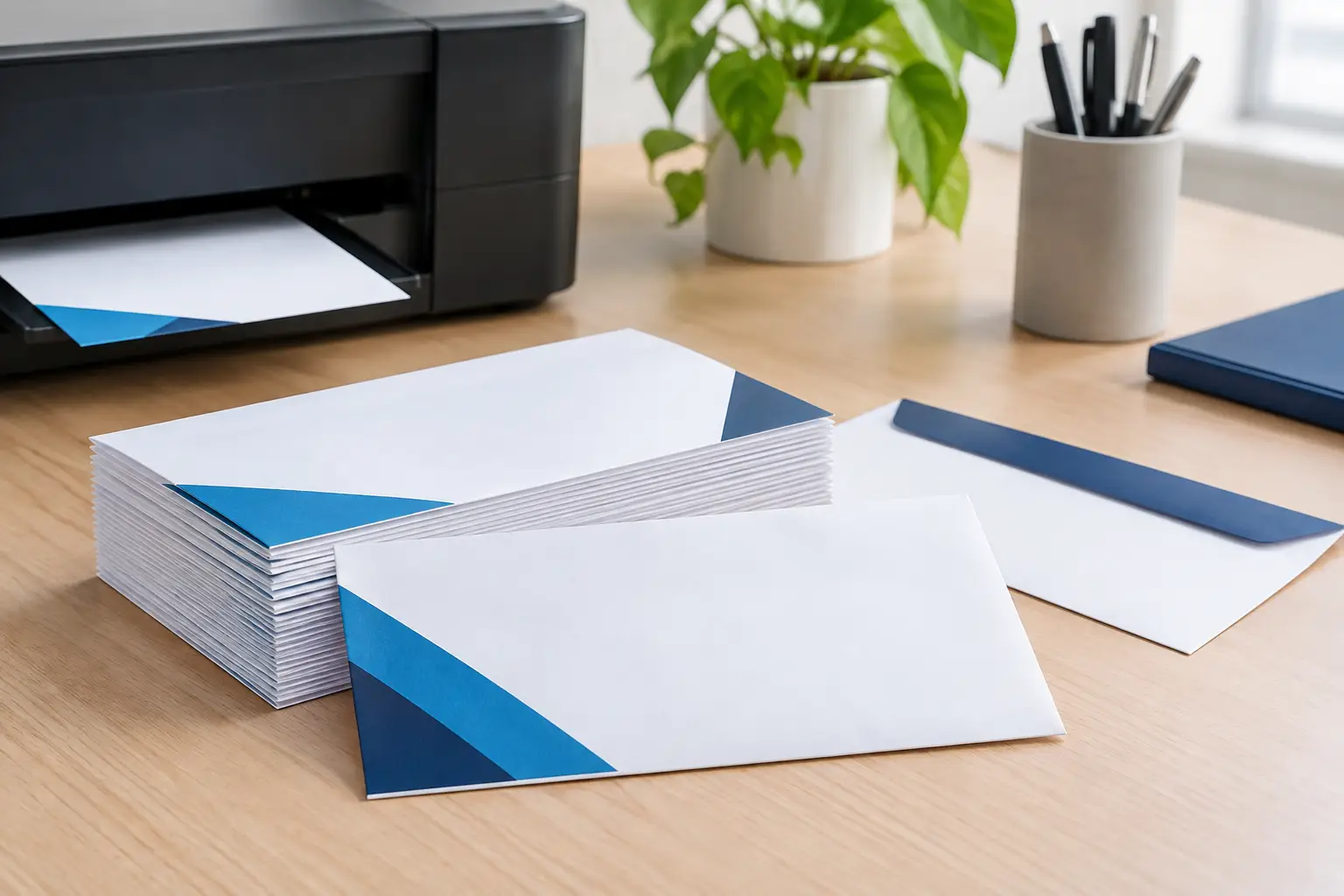
A branded envelope gets your business recognized before the recipient reads a single word inside. Whether it carries an invoice, proposal, appointment reminder, thank-you letter, or direct-mail offer, the envelope sets expectations. Learning how to print branded envelopes properly helps your company look established, protect important mailing details, and make every piece of mail work harder for your brand.
For Lancaster, Palmdale, and Southern California businesses, the best approach depends on how many envelopes you need, how often you mail, and whether the piece will enter the postal system as part of a larger campaign. Good envelope printing is not just about placing a logo in the corner. It requires the right size, layout, paper stock, print method, and mailing plan.
Start With the Purpose of the Envelope
Before creating artwork, decide what the envelope needs to accomplish. A #10 envelope is the standard choice for letters, invoices, statements, and business correspondence. It is familiar, practical, and fits standard letter-size documents folded in thirds. Larger envelopes may be better for proposals, presentation folders, brochures, or event materials that should not be folded.
The intended use also affects the design. A daily office envelope may only need a logo, return address, and phone number. A sales letter or direct-mail package may benefit from a stronger message on the front, such as an offer, service reminder, or event notice. If the envelope is part of a campaign, its job is to earn the open. That means the design should be clear and appealing without looking crowded or interfering with postal requirements.
Consider the quantity early. Printing a few hundred envelopes for office use is different from producing thousands for a scheduled mail drop. Larger quantities often create better per-piece pricing, but only if your business can use them before contact information, branding, or offers change.
Choose an Envelope Size and Style That Fits the Job
The #10 business envelope is usually the starting point, but it is not the only option. Window envelopes save time when mailing invoices and statements because the recipient address printed on the enclosed document shows through. Catalog envelopes provide more room for materials that must stay flat. Invitation-style envelopes can give announcements, real estate communications, and premium customer outreach a more personal presentation.
You should also choose between regular and security envelopes. Security tint on the inside helps prevent the contents from being read through the paper, making it a smart choice for financial documents, patient communications, account notices, or private customer information.
Paper color matters, too. White envelopes offer the clearest contrast and the most flexibility for full-color logos. Natural, cream, or colored stocks can create a distinctive look, but they may affect color accuracy and readability. If your logo uses light colors, a darker envelope may require white ink or a revised design to remain visible.
Build a Clean Envelope Design
A professional envelope should make the sender easy to identify while leaving enough open space for the recipient address, postage, barcodes, and mail processing. Overdesigning the front is one of the most common mistakes businesses make.
Place your logo and return address in the upper-left corner, where recipients expect to find them. Keep the logo large enough to be recognized at a glance, but do not let it dominate the entire envelope. Your business name, mailing address, phone number, website, and a short service line can be included when space allows. For many businesses, a simple logo and return address look more polished than a crowded block of information.
If you want to add a message, use the lower-left area or the back flap. A real estate professional may use the back flap for a neighborhood-focused message. A retailer might include a seasonal offer. A service business could add a line such as “Serving the Antelope Valley Since 1990.” Keep the message short. The envelope should support the mail piece, not compete with it.
Protect the Mailing Area
The center of the envelope needs to remain clear for the recipient address. On a standard #10 envelope, leave ample room in the middle-right area so addresses can be printed or applied cleanly. The upper-right corner must remain open for a stamp, permit imprint, or postage indicia.
Postal automation equipment also needs a clear barcode area near the bottom of the envelope. Dark backgrounds, heavy graphics, glossy labels, or text placed too close to the bottom edge can cause processing problems. When the mailing includes bulk mail or presorted addresses, a print-and-mail provider can review the layout before production to help avoid delays or added postage costs.
Set Up Your Artwork for Print
Envelope artwork should be created at the final size of the envelope, using high-resolution graphics. Images and logos should generally be at least 300 dpi at their printed size. Low-resolution files may look acceptable on a screen but can appear soft, jagged, or blurry when printed.
Use CMYK color mode for full-color printing rather than RGB, which is intended for screens. If your company relies on a very specific brand color, provide the correct color information and ask how it will reproduce on your chosen envelope stock. Digital and offset printing can produce excellent results, but the best method depends on quantity, color coverage, turnaround needs, and the envelope material.
Keep important text away from edges and seams. Envelopes are manufactured with folds, glued flaps, and slight variations in placement. A design that sits too close to an edge can look uneven after printing. This is especially true for full-bleed designs, where color extends to the edge. Not every envelope or press setup supports full-bleed printing, so confirm this before finalizing the design.
When sending files to a commercial printer, a press-ready PDF is usually the safest option. Include any necessary fonts, linked images, and layout specifications if requested. A dependable printer will review the file and let you know if something needs adjustment before the job goes to press.
Select the Right Printing Method
Digital printing is often a strong choice for small to medium runs, variable data, and fast turnaround. It works well when you need different recipient names, branch locations, sales representatives, or promotional messages printed on each envelope. This can be especially useful for targeted direct-mail campaigns.
Offset printing is often more economical for large quantities and can provide excellent consistency for standard designs. If you use the same envelope design all year for invoices, correspondence, and sales letters, a larger offset run may make sense.
There are trade-offs. Full-color printing makes logos and promotional graphics stand out, but it may not be necessary for everyday billing envelopes. One- or two-color printing can be cost-effective, clean, and highly professional. The right choice depends on the role of the envelope in your customer communication and your available budget.
Proof Before You Approve Production
Always review a proof before printing the full order. Look beyond the logo and colors. Check spelling, suite numbers, phone numbers, email addresses, and postal codes. Confirm that the return address is readable and that the recipient address area remains open.
For important campaigns, request a physical proof when possible. A printed sample shows details that are difficult to judge on screen, including paper feel, color contrast, flap placement, and whether artwork crosses a fold or seam. It is much easier to correct an issue before a large run is printed and addressed.
If your envelopes will be used with an office printer, test a small quantity first. Some envelope stocks and flap styles feed better than others. Heat from laser printers can also affect certain envelope adhesives, while inkjet printers may produce different color results. Commercially printed envelopes can still be useful for office use, but they should be compatible with your equipment.
Coordinate Printing With Addressing and Mailing
Printing envelopes is only one part of a direct-mail project. The campaign also needs accurate mailing data, addressing, sorting, postage preparation, and delivery coordination. Handling these steps separately can create delays, mismatched quantities, and unnecessary rework.
For direct mail, decide whether addresses will be printed directly on the envelope, applied with labels, or shown through a window. Direct addressing usually creates a cleaner finished piece and can be personalized with names, offers, or location-specific messaging. Window envelopes can be efficient for transactional mail, provided the inserted document aligns correctly.
Your mailing list should be reviewed before production. Outdated addresses, duplicate records, and missing apartment numbers waste printing and postage. A well-managed list helps protect your budget and puts your message in front of the customers most likely to respond.
Businesses that need both printed materials and postal handling can save time by coordinating the full workflow with one experienced provider. JR’S Handling can produce branded envelopes, support mailing-list preparation, address the pieces, and manage bulk-mail processing so your team is not chasing multiple vendors.
Common Branded Envelope Printing Mistakes
Avoid using a logo file pulled from a website, since it may not have enough resolution for print. Do not place critical text over folds, seams, or the flap edge. Avoid filling the address and barcode areas with artwork, and do not order a large quantity until you are confident the design, contact details, and mailing needs will remain current.
Another mistake is treating the envelope as an afterthought. If the letter inside promotes a quality service, a plain or poorly printed envelope can weaken the first impression. On the other hand, an overly promotional envelope may look like unwanted advertising when the contents are routine business communication. Match the design to the purpose.
A well-printed envelope turns ordinary business mail into a consistent brand touchpoint. Start with the message you need to send, leave room for the postal system to do its job, and approve a proof you would be proud to put in a customer’s mailbox. Give us a try today when you need professional envelope printing and dependable mail execution.